1
Tenant and Licensing
Review Teams readiness, administrative access and the licences required for users and service accounts. Configure telephony settings through the Teams admin centre and PowerShell where appropriate.
Make and receive business calls in Teams with Operator Connect or Direct Routing. Wentland handles the telephony deploymen, from licensing and operator coordination to tenant configuration, users, testing and support.
Connect Teams Phone through a Microsoft-certified operator. The operator manages the telephone-network connection and supporting infrastructure, without an SBC for your team to deploy and maintain.
We coordinate the operator service, number delivery and tenant-side work, then configure and validate calling for your users. A strong fit where the operator's coverage and service meet your requirements.
Connect Teams Phone through a certified Session Border Controller, or SBC. This can accommodate existing carrier relationships, retained PBXs or more specific routing requirements.
We design and configure the connection with the relevant operator or SBC provider, including voice routes, policies and interoperability. The SBC can be part of a managed service; Direct Routing does not automatically mean new equipment in your office.
Different countries or user groups can use different connection models within the same tenant. We choose around coverage, existing systems and operational responsibility.
1
Review Teams readiness, administrative access and the licences required for users and service accounts. Configure telephony settings through the Teams admin centre and PowerShell where appropriate.
2
Coordinate new numbers or supported number transfers. Maintain the number plan and assign numbers to the correct users, locations and services.
3
Configure auto attendants, call queues, resource accounts, greetings, opening hours, holiday schedules and overflow behaviour around how your organisation answers calls.
4
Configure the selected Operator Connect or Direct Routing arrangement, including applicable dial plans, voice policies, SBC dependencies and operator-side coordination.
5
Set up user calling policies, voicemail, delegation and compatible phones or headsets. Check the calling experience across the devices and locations in scope.
6
Validate inbound and outbound calls, transfers, caller identification and agreed service scenarios. Train administrators and users, document the setup and provide the agreed post-go-live support.
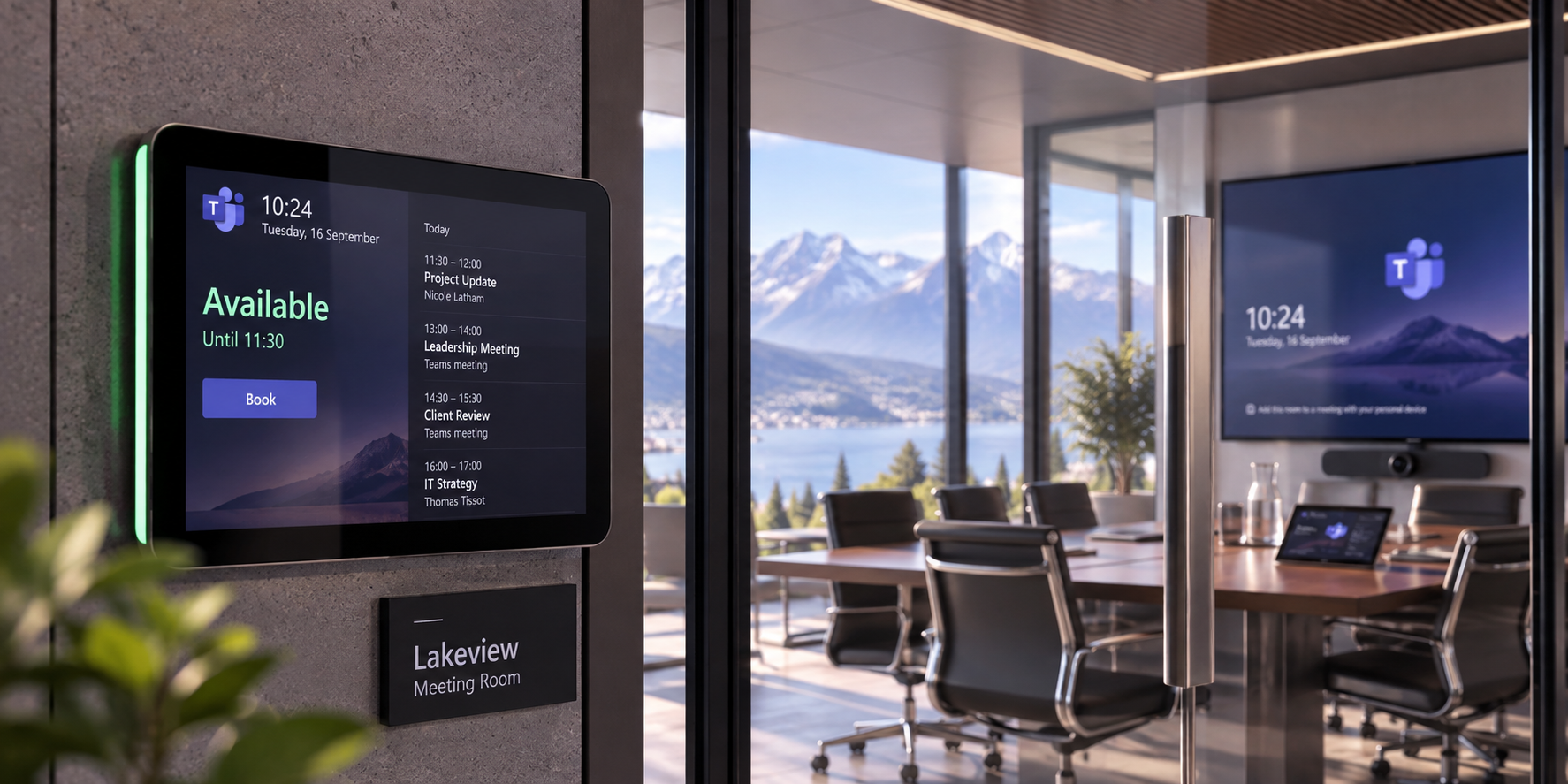
Teams can provide a consistent calling experience across offices, remote users and international locations, without requiring every country to use exactly the same underlying connection.
We define the numbering, calling policies, operator arrangements and user experience around each location while keeping administration within the wider Microsoft Teams environment.
That can mean Operator Connect in one country, Direct Routing in another, different number ranges by office, and shared standards for how users answer, transfer and manage business calls.
This provides a calling environment that feels consistent to users while accommodating the local requirements behind it.
Bring us your countries, user groups and new or existing numbers. We help plan, design and deliver what is needed to get your people calling tomorrow.